Identity Theft Monitoring: How Real-Time Alerts Protect Data

“I got a notification saying my email was exposed in a data breach. Does that mean someone has stolen my identity? How can I tell if my family’s information is being used?”
That is exactly the problem identity theft monitoring is designed to help you investigate. It checks selected personal information against known breach records and other monitored sources, then alerts you when something needs attention.
A useful alert can give you time to change an exposed password, investigate an unfamiliar credit account, or contact your bank before more damage occurs. But monitoring cannot prevent every theft or guarantee instant detection.
This guide explains what these alerts mean, how to set up monitoring for your household, and what to do when a warning appears on your phone.
What Is Identity Theft Monitoring?
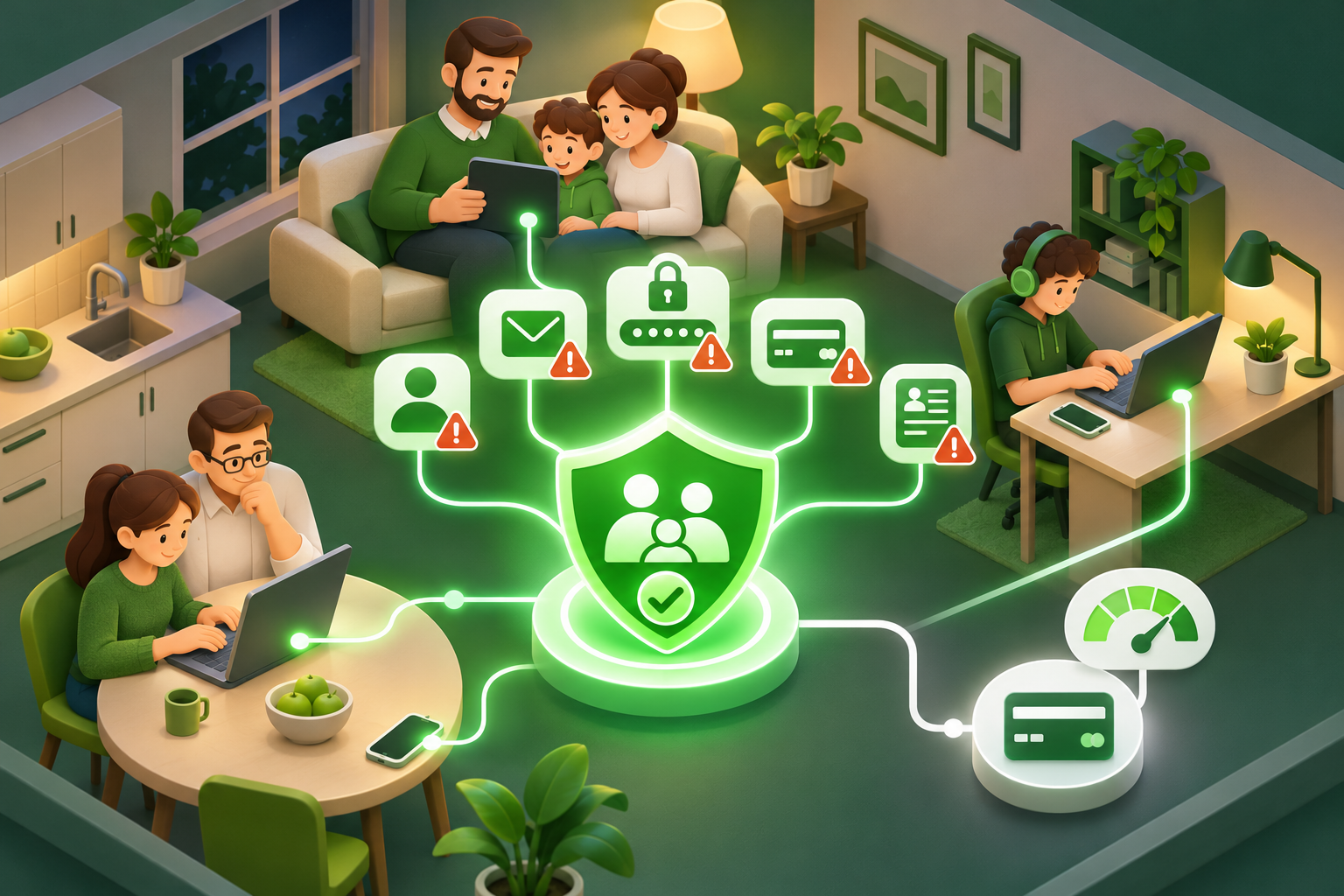
Identity theft monitoring is a service that looks for signs that your personal information has been exposed or misused.
Depending on the service, it may check known data breaches, compromised login credentials, credit bureau records, and certain public or other records associated with your identity.
The information being monitored is often called personally identifiable information (PII). This means details that can identify you or help someone connect an account to you.
Examples include:
- Your full name and home address.
- Email addresses and phone numbers.
- Dates of birth.
- Social Security numbers or other government identification numbers.
- Login credentials associated with online accounts.
- Financial account information.
- Certain identity details found in breach records.
Not every service monitors every category. Some check only email addresses, while others offer credit monitoring and additional identity-related alerts.
The purpose is to identify potential problems early enough for you to respond.
Suppose you use the same email address for your bank, several shopping websites, and your child’s school communications. A shopping website suffers a breach, and your email address appears in a compromised database.
A monitoring service may identify that exposure and notify you.
That notification does not automatically mean someone has entered your bank account. It tells you that information associated with your email has appeared in a known breach and deserves attention.
If the exposed data includes a password that you reused elsewhere, the risk is more serious.
Identity theft monitoring is an early-warning system, not a guarantee against identity theft. It works best alongside unique passwords, multifactor authentication, bank alerts, and appropriate credit protections.
How Monitoring Differs From Basic Credit Tracking
Credit monitoring and identity monitoring are related, but they look for different signs of trouble.
Credit monitoring focuses on activity reported to your credit file. Depending on the service and bureau coverage, alerts may identify:
- New credit inquiries.
- Newly reported credit accounts.
- Significant changes to existing credit accounts.
- Certain changes to identifying information in a credit file.
These alerts can help you spot possible financial identity theft.
For example, suppose you receive a notification about a new credit card account. You have not applied for a credit card.
That deserves immediate investigation with the credit bureau and the financial institution involved.
However, credit monitoring may not tell you that an old shopping password has appeared in a leaked database.
Identity monitoring can cover that earlier stage of exposure.
A broader identity monitoring service may check email addresses, compromised credentials, and other specified personal details. Some services also include credit monitoring, but you should never assume that feature is included.
Think about the difference this way:
- Breach monitoring asks: Has information connected to my account appeared in a known data leak?
- Credit bureau alerts ask: Has something changed in my credit file?
- Bank alerts ask: Has a payment, withdrawal, login, or account change occurred?
- Identity monitoring asks: Are there warning signs across the particular identity sources this service checks?
For most families, these protections work better together than individually.
Your monitoring app may flag an exposed password, your bank may report an unexpected transaction, and a credit bureau may notify you about an unfamiliar inquiry.
Each alert gives you a different piece of the picture.
How Real-Time Data Breach Alerts Safeguard Personal Information
A common misunderstanding is that real-time data breach alerts notify you at the exact moment someone steals your information.
That is rarely how monitoring works.
Consider what happens after a company experiences a data breach.
The company may first need to discover the incident, determine which systems were affected, and identify what information was exposed. Some breaches are not discovered until much later.
A monitoring provider can check information only against the sources available to it.
When an exposed record becomes available and matches information you have registered, the provider may send an alert.
That means real-time refers to how quickly a service can notify you after detecting a relevant match, not necessarily how quickly it discovers the original breach.
An alert received today might concern a breach that happened months or years earlier.
This distinction matters when deciding how urgently to respond.
What a useful data breach notification should tell you
A notification saying only “Your identity is at risk” gives you very little to work with.
A better alert helps answer several practical questions:
- Which account is affected? Look for an email address, username, or other monitored identifier.
- Where did the exposure happen? The notice may identify a website, company, or known breach.
- What information was involved? An email address alone creates different risks from an exposed password or government identification number.
- When was the incident reported? Check whether the alert concerns new information or an older breach.
- What should you do? The recommended action should match the information exposed.
If the notice says only your email address was found, you should be alert for phishing messages and review the affected account.
If a password was also compromised, change that password and any other accounts where you reused it.
If a Social Security number or financial details were exposed, different protective steps may be appropriate.
The useful part of an alert is not the warning itself. It is the information that helps you decide what to do next.
Dark Web Scanning and Exposure Notifications
Dark web monitoring is a feature offered by some identity monitoring services.
It searches selected collections of compromised information, which may include data circulated in restricted online communities or other sources of leaked credentials.
Those records may contain email addresses, usernames, passwords, and other personal details.
You do not need to understand how the dark web works to use this feature.
What matters is understanding its limits.
A monitoring service cannot search every private criminal forum, undisclosed database, or stolen file. Its results depend on the sources it can access and the information it can match.
A notification that says “No exposure found” means the service did not identify a relevant match in the sources it checked. It does not prove your information has never been compromised.
Likewise, a match does not prove that someone has successfully accessed your account.
Imagine an alert involving an old online gaming account.
The account may have been inactive for years. If its password is unique and no longer used, the immediate risk may be limited.
But suppose that password was also used for your primary email account.
Now the same exposure deserves much faster attention because access to your email could allow someone to reset passwords for other services.
This is why good monitoring should help you identify the affected account and data type rather than simply reporting that information appeared on the dark web.
One rule should never change: do not click an unexpected password-reset link inside a frightening breach notification.
Open the service’s official app or website yourself. Scammers frequently imitate security warnings to persuade people to enter passwords or verification codes.
What You Need Before You Start
You do not need advanced technical knowledge to set up identity monitoring for your household.
You do need to know which accounts matter and who is responsible for them.
Before opening a monitoring app, gather the following:
- Primary email addresses: Start with the addresses used for banking, shopping, family subscriptions, and important account recovery.
- Access to your devices: You may need your iPhone, Android phone, laptop, or tablet to confirm accounts and enable notifications.
- Your password manager: This makes it easier to replace compromised passwords without reusing the same one.
- Banking and credit account access: Keep the official apps available so you can check suspicious activity directly.
- A secure place for recovery information: Save official recovery websites and important customer support contact details.
If you manage multiple family devices, avoid treating every person as though they share one online identity.
A parent’s banking account, a teenager’s gaming profile, and a grandparent’s email account have different risks.
Where supported, assign monitored accounts to the correct person.
For adult family members, obtain permission before enrolling their personal information. Check any age-related restrictions before adding children’s details.
Also, review what the monitoring provider collects.
A basic email breach check should not automatically require you to upload photographs of identity documents or enter financial account credentials.
Some specialized identity or credit monitoring features may legitimately require sensitive information for verification. Read why it is needed, how it is stored, and how you can remove it before proceeding.
How to Set Up Identity Theft Monitoring for Your Household
The most effective setup starts small.
Monitor the accounts most likely to cause serious problems if compromised, confirm that alerts reach you, then add financial and credit protections separately.
Step 1: List the accounts that matter most
What to do:
Start by identifying the email addresses your household relies on.
You do not need to write down every shopping account. Begin with email addresses connected to services that matter most.
Prioritize:
- Primary email accounts used to reset other passwords.
- Online banking and payment accounts.
- Shopping accounts with saved payment information.
- Social media accounts.
- Work or school-related accounts you are authorized to manage.
- Older email addresses still attached to active accounts.
For example, a parent may have one main email for household bills and another older address used for online shopping.
Both are worth checking, especially if the older address has been used across many websites.
Keep a simple list showing which family member owns each email address.
Do not put passwords, complete payment card numbers, or government identification numbers into that list.
What you should see:
You should end up with a manageable set of email addresses rather than an overwhelming inventory of every online account.
Each address should have a clear owner.
If an alert mentions one address, you should immediately know which person needs to review it.
What to watch for:
Do not forget older addresses.
An email account that nobody regularly checks may still be connected to shopping accounts, social profiles, or password recovery options.
If you no longer use an account, check whether it should be closed. Remove outdated recovery addresses from important accounts where appropriate.
Step 2: Enable an email breach check and review the first results
What to do:
Open the identity monitoring or security app you plan to use.
Look for a feature named Email Breach Scan, Breach Monitoring, Data Breach Check, or something similar.
Add an email address you own or are authorized to monitor.
Follow any verification steps requested by the service.
Once the check is complete, open each available result instead of relying only on the summary screen.
For example, AVO Security offers an Email Breach Scan feature that checks supported email addresses against known breach records. This can help identify possible email exposures, although it is not a replacement for credit monitoring.
What you should see:
A useful result should show one of two outcomes:
- A known exposure was found, with available information about the affected account or incident.
- No matching exposure was found in the sources checked.
If a breach is identified, look for the affected service and the type of information involved.
Do not assume every reported breach includes your password.
An incident might involve an email address and username without exposing login credentials.
What to watch for:
Your first scan may reveal several older incidents.
That does not mean someone has attacked all those accounts today.
Check the details and prioritize exposures involving passwords that might still be in use.
For an account you no longer recognize, investigate whether it remains active before attempting changes.
If the notice identifies only an email address, focus on suspicious messages and account security rather than assuming financial fraud has occurred.
Step 3: Make sure important notifications can reach you
What to do:
After enabling monitoring, open the service’s notification preferences.
Choose the available alert methods you want to receive.
Depending on the provider, these may include push notifications, email, or other supported communication channels.
Then check your device settings.
On an iPhone:
- Open Settings.
- Tap Notifications.
- Select the monitoring app.
- Make sure Allow Notifications is enabled.
- Review the available alert display and sound options.
On Android:
- Open Settings.
- Go to Notifications or Apps, depending on your device.
- Find the monitoring app.
- Open its notification settings.
- Allow the relevant notifications.
Menu names may differ slightly between Android manufacturers.
If the service sends email alerts, check that its messages are not routinely going into your spam folder.
What you should see:
The service should show your preferred notification channels as enabled.
Your phone should also allow notifications from the app.
If the provider offers a test notification, use it.
A welcome email confirms that some account messages can reach you, but it does not prove every security alert is configured correctly.
What to watch for:
Think about where alerts will appear.
A notification sent to an old email address is unlikely to help if nobody checks that inbox.
Also consider privacy on shared devices.
A family tablet that displays every email notification on its lock screen may reveal sensitive financial or identity information to other users.
Choose the appropriate person to receive alerts and adjust notification previews where necessary.
Step 4: Add financial and credit alerts separately
What to do:
Email breach monitoring is only one part of the protection process.
Next, open the official apps for your banks and credit card providers.
Look for settings such as Alerts, Security, Notifications, or Account Activity.
Where available, enable notifications for:
- Card purchases and other transactions.
- Transfers or withdrawals.
- Unrecognized login activity.
- Changes to contact information.
- Password changes or other important account updates.
Review the available thresholds carefully. Some banks allow you to choose which types or amounts of transactions trigger an alert.
If you use credit monitoring, check which credit bureaus the service covers.
For U.S. consumers, the three nationwide credit bureaus are Equifax, Experian, and TransUnion.
You can obtain free credit reports through AnnualCreditReport.com.
You can also request a free credit freeze directly from each of the three bureaus.
A credit freeze generally restricts access to your credit file for new credit applications, making it harder for someone to open certain accounts using your identity.
It is separate from credit monitoring and does not require a paid identity theft monitoring subscription.
What you should see:
Your banking apps should show that the selected transaction and security alerts are active.
You should also know whether your credit monitoring covers one, two, or all three nationwide bureaus.
If you place a credit freeze, retain the confirmation details and instructions for temporarily lifting it when you legitimately apply for credit.
What to watch for:
A credit freeze is not the same as a fraud alert.
An initial fraud alert tells businesses checking your credit to take steps to verify your identity. A freeze places stronger restrictions on access to the credit file for many new credit applications.
For U.S. consumers, placing a fraud alert with one nationwide bureau generally results in the other two being notified.
Credit freezes normally need to be requested separately from each bureau.
Also, credit monitoring does not replace your bank’s transaction alerts. A fraudulent card purchase may require action long before it appears in any credit-related record.
Step 5: Prepare a response plan before an alert arrives
What to do:
Decide how your family will handle a genuine exposure notification.
You do not need an elaborate written procedure.
A short, repeatable process is enough:
- Open the monitoring service directly.
- Confirm which account or information was exposed.
- Identify whether the warning concerns an old breach or possible current misuse.
- Change affected passwords or contact the relevant institution.
- Review related accounts for suspicious activity.
- Record what action was taken.
Save bookmarks for your bank, credit bureaus, and IdentityTheft.gov, the U.S. Federal Trade Commission’s identity theft recovery resource.
Choose which adult in the household will coordinate the response when several accounts are involved.
What you should see:
Everyone responsible for an account should understand what to do with a warning.
For example, if a teenager receives an alert about a gaming account, they should know to tell the appropriate adult, open the genuine account website, and avoid responding to suspicious messages.
If a parent receives a credit alert about an unknown account, they should know to verify the activity with the bureau and creditor.
What to watch for:
Never treat an unsolicited call as legitimate simply because the caller mentions a real breach.
A scammer may already know your email address or name.
Do not provide passwords, one-time verification codes, or identity documents to someone claiming they can remove your information from the dark web.
A legitimate recovery process does not make copies of stolen information disappear from every criminal database.
Evaluating Features in an Identity Monitoring Solution
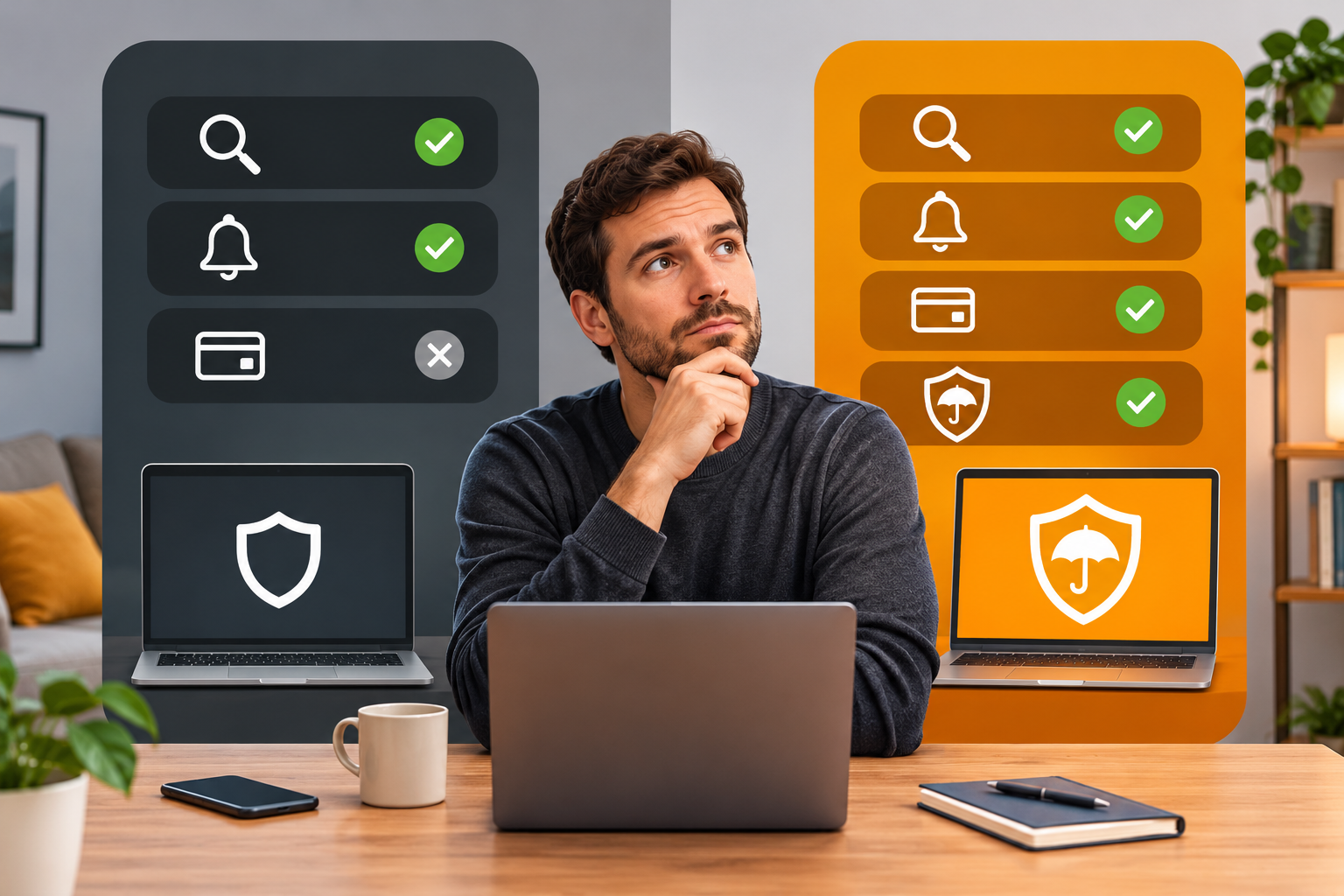
Identity monitoring services can look similar on the surface.
Many advertise breach alerts, dark web monitoring, identity protection, and family coverage. Those labels do not necessarily mean they offer the same features.
Before choosing a service, look at exactly what it monitors and how it handles an exposure.
Start by checking the monitoring scope.
Does the service check email addresses only? Does it include compromised passwords, additional identity details, or credit bureau information?
If you are mainly concerned about leaked shopping credentials, an email breach check may meet your immediate needs.
If you are worried about fraudulent credit applications, credit monitoring and credit freezes are more directly relevant.
Next, examine the alert details.
A useful service should explain what was found and provide enough information to help you decide which action is appropriate.
A warning with no affected identifier, source, or explanation may be difficult to investigate.
Check household coverage.
If a service advertises a family plan, confirm whether each person gets a separate profile and which family members are eligible.
Also check whether children can be included and what verification or consent is required.
Review privacy practices.
Identity monitoring may require you to share sensitive information with the company providing it.
Find out:
- Which identifiers are collected.
- Why each piece of information is required.
- Whether external providers process the data.
- How long monitored information is retained.
- Whether you can remove individual identifiers.
- How to delete your account and associated information.
Do not provide more information simply because a service offers more monitoring categories.
For device security, resources on choosing the best antivirus for family or comparing multi-device protection software can help you address other household risks, including malicious downloads and phishing.
Those protections complement identity monitoring. They do not automatically replace credit bureau alerts, bank notifications, or identity recovery services.
Understanding an ID Theft Insurance Plan
An id theft insurance plan is sometimes included with paid identity monitoring.
The wording can be confusing because insurance, monitoring, and recovery assistance are different benefits.
Monitoring helps identify possible problems.
Recovery assistance may provide instructions or access to a specialist who helps you deal with affected organizations.
Identity theft insurance may reimburse certain eligible costs connected with recovering from a covered identity theft incident.
Depending on the policy, eligible expenses might include:
- Costs of replacing certain documents.
- Postage and other administrative expenses.
- Specified legal fees.
- Certain lost wages caused by recovery activities.
- Other approved identity restoration expenses.
Coverage varies substantially.
Do not assume a large advertised insurance amount means the provider will repay every dollar stolen from an account.
Many identity theft insurance policies focus on eligible recovery expenses rather than direct reimbursement of stolen funds. Some plans offer additional coverage, but the actual policy terms determine what qualifies.
Before paying for a plan, check the following:
- Covered people: Does the policy include your spouse, children, or other eligible family members?
- Covered expenses: Which recovery costs qualify for reimbursement?
- Exclusions: Are there circumstances in which a claim will not be paid?
- Limits: Is there a deductible, per-claim limit, or annual limit?
- Claim requirements: Must you obtain approval before incurring expenses?
- Recovery assistance: Will a specialist help you contact creditors and organize documents?
Also check whether the plan requires a police report, identity theft report, or other evidence before processing a claim.
Keep these requirements somewhere accessible.
If an unauthorized charge appears on your card, contact the financial institution promptly rather than waiting for an insurance claim.
The bank’s dispute process and applicable consumer protections are separate from identity theft insurance.
A practical question to ask before subscribing is:
If someone opens an account in my name, what will this plan do to help me close it, correct my records, and recover eligible expenses?
The answer tells you much more than the advertised coverage amount.
Evaluating a Free Identity Theft Protection App Versus Premium Solutions
A free identity theft protection app may be sufficient when your main goal is to check email addresses for known breaches.
A premium plan may provide additional monitored identifiers, credit bureau coverage, more family profiles, or access to recovery assistance.
The right choice depends on what you actually need.
| Feature | Free or basic monitoring | Premium monitoring |
|---|---|---|
| Email breach checking | Often available | Commonly included |
| Dark web monitoring | May be limited to supported identifiers | May cover more identifiers and sources |
| Credit bureau alerts | May be unavailable or limited | May cover one or more bureaus |
| Family profiles | Often limited | May offer broader family coverage |
| Identity recovery assistance | Varies by service | May include specialist support |
| Identity theft insurance | Not necessarily included | May be included, subject to policy terms |
These are common differences, not guaranteed features. Always check the specific plan.
If your concern is a leaked password, paying for extensive credit features will not replace the immediate need to change that password.
If you are concerned about someone opening credit in your name, consider free credit freezes and regular credit report reviews regardless of whether you purchase monitoring.
Before starting a free trial, read the billing terms.
Check when payment begins, what happens if you cancel, and whether monitored information can be removed afterward.
Be cautious if a supposedly basic breach checker requests unnecessary financial credentials or sensitive identity documents without explaining why.
A good service should make it reasonably easy to understand what you are paying for and what happens to your information.
Immediate Actions to Take When Receiving an Exposure Alert

An identity exposure alert can be unsettling, especially when it mentions your email address, password, or financial information.
The first step is not to change every password or call every bank.
Find out exactly what the alert is reporting.
An old email-only breach, a compromised password, and a newly opened credit account require different responses.
First, verify the alert without clicking an unexpected link
Start by opening your monitoring app directly.
If you normally use a browser, enter the service’s known website address yourself or use a trusted bookmark.
Sign in and look for the alert in your account.
Check the affected identifier and any available incident information.
If the alert does not appear, contact the provider through its official support channel.
Be especially cautious with notifications claiming that you must verify your identity immediately or pay a fee to stop the breach.
A legitimate monitoring provider should not need you to reveal an account password or a one-time login code to an unsolicited caller.
If an email address or password was exposed
First, identify which account was involved.
If the alert says a password may have been compromised, open that website or its official app directly.
Look for Account Settings, Security, Password, or the equivalent option.
Create a new password that you have not used elsewhere.
A password manager can help generate and save a unique password.
If you reused the exposed password, update those other accounts too.
Prioritize your primary email and financial accounts because access to those accounts can create additional opportunities for misuse.
Next, check for signs of unauthorized access.
Look for:
- Unknown devices or recent sessions.
- Unexpected password-reset messages.
- Changes to recovery email addresses or phone numbers.
- Unrecognized purchases or account activity.
- Email forwarding rules you did not create.
Where available, sign out unfamiliar sessions and enable multifactor authentication.
An authenticator app or security key can provide stronger protection than relying on a password alone.
If the account supports passkeys, consider using them as an additional or alternative sign-in method.
If the alert identifies only your email address, do not automatically assume that your password was stolen.
Review the account’s security and be more cautious about phishing attempts, particularly messages that mention the breached website.
If payment details or government identifiers were exposed
Financial information requires a different response from ordinary login credentials.
If a notification mentions payment card details, open your bank or card issuer’s official app.
Check recent transactions.
If you see something unfamiliar, contact the institution immediately through its official fraud reporting channel.
Ask whether the card should be replaced or other protective measures are needed.
Do not rely on a telephone number included in an unexpected text message.
If your bank provides transaction notifications, confirm that they are enabled.
For an exposed U.S. Social Security number, consider reviewing your credit reports and placing credit freezes with all three nationwide bureaus.
A freeze can help restrict fraudulent new credit applications, although it does not stop every form of identity theft.
The Federal Trade Commission provides information-specific instructions through its data breach guidance.
If medical, tax, or other government-related records are involved, contact the appropriate organization through an independently verified channel.
Do not send copies of identification documents to a stranger who claims to be investigating the incident.
If you find actual identity misuse
An exposure becomes a more serious problem when you find evidence that someone is using your information.
Examples include:
- A credit account you never opened.
- Transactions you did not authorize.
- An account password or recovery address changed without your permission.
- A financial institution contacting you about an application you never submitted.
- Debt collection notices for accounts you do not recognize.
Contact the affected institution’s fraud department as soon as you discover the problem.
Explain what you found and ask how to secure the account, dispute unauthorized activity, or report an account opened without your permission.
Keep a record of your actions.
Save relevant account notices, correspondence, case numbers, and dates of contact.
For identity theft involving U.S. consumers, IdentityTheft.gov can help you create a recovery plan and obtain an identity theft report when appropriate.
Follow the appropriate dispute procedures for fraudulent credit information and unauthorized financial activity.
Remember that a breach alert and confirmed identity theft are not the same thing. You should investigate both, but the recovery process depends on what actually happened.
Common Mistakes That Make Alerts Less Useful
Identity monitoring is easier to manage when you know which warnings deserve attention.
Several common habits make it less effective.
- Assuming no breach matches means your accounts are safe. A monitoring provider can check only the records and sources available to it. Continue using strong account security even when the dashboard shows no known exposures.
- Treating every notification as a new attack. Read the reported incident details. A newly detected match may relate to an old breach, and the affected account may already have been secured.
- Ignoring old leaked passwords. A password exposed years ago still matters if you use it for an active account. Replace reused credentials even when the original incident is old.
- Confusing a credit score change with identity theft. Scores can change for legitimate reasons. Investigate unfamiliar inquiries, accounts, or other underlying credit report activity rather than relying on the score alone.
- Assuming monitoring prevents new credit accounts. Monitoring may alert you after a relevant change is reported. A credit freeze serves a different purpose by restricting access to credit files for many new applications.
- Giving monitoring services unnecessary personal information. Only enroll identifiers the service needs and that you are authorized to monitor. More collected data does not automatically mean better protection.
- Leaving notifications disabled. A breach finding is much less useful if it sits unnoticed in an old inbox. Check both service preferences and device notification settings.
- Following links from suspicious security alerts. Criminals can imitate genuine monitoring messages. Open your monitoring account, bank, or email service directly rather than trusting an unexpected link.
- Changing passwords without checking account activity. If someone has already accessed your account, inspect active sessions, recovery settings, and other security options. Changing the password is essential, but it may not address every unauthorized change.
- Buying overlapping features without checking existing coverage. Your bank may already provide transaction alerts, and credit freezes are available without a paid monitoring plan in the United States. Understand what you already have before paying for additional services.
What to Do If Monitoring Does Not Work
Sometimes a monitoring service produces no results, fails to send a notification, or shows information you cannot verify.
Start by identifying which part of the process is failing.
If you are not receiving notifications:
Open your monitoring account and check whether your email address is verified.
Review the alert preferences.
On your phone, confirm the app has permission to display notifications. Check whether device settings, notification summaries, or power-saving restrictions are delaying or suppressing alerts.
Also look in your spam or junk folder.
If push alerts continue to fail, use an available email notification channel while you investigate.
If your scan shows no exposures despite receiving an official breach notice:
Do not assume the company’s notice was wrong.
The breach may not be included in the monitoring provider’s available records, or the service may not monitor the particular information affected.
Read the official incident notice and follow its recommendations.
If the monitoring result appears incorrect:
Check the exact email address or identifier shown.
A familiar name or similar email address is not enough to establish that a record belongs to you.
Contact the monitoring provider through its normal support process and ask how to investigate or correct the result.
Avoid supplying additional sensitive documents unless the provider clearly explains why they are necessary.
If you receive a credit alert about an account you do not recognize:
Verify the reported activity directly with the relevant credit bureau and creditor.
Check whether the account or inquiry appears on your credit report.
Do not dismiss a suspicious credit alert simply because your email breach scanner reports no exposure.
If a service cannot explain what it monitors:
Review the service’s feature descriptions, privacy policy, and support documentation.
You should be able to understand which identifiers are monitored, what the alerts mean, and how to stop monitoring or remove information.
If those basics remain unclear, reconsider the service rather than adding more sensitive data.
Your Practical Next Move
Start with the email address that controls your most important accounts.
Run a breach check, review any matches, and replace passwords that are exposed or reused. Then enable your bank’s transaction alerts and check whether credit freezes or credit monitoring are appropriate for your situation.
Make sure security notifications reach a phone or inbox you actually check.
Finally, save the official recovery websites and explain to family members how to verify an unexpected alert.
You do not need to react to every warning with the same level of urgency. You need enough information to identify the affected account and take the next appropriate step.
FAQ
How fast do real-time identity theft alerts notify you?
Identity monitoring services may notify you soon after they detect a matching exposure record, but the original breach could have happened much earlier. Timing depends on when the information becomes available, how frequently the provider checks its sources, and your notification settings. No monitoring service can guarantee immediate detection of every breach.
What is the difference between credit monitoring and identity theft monitoring?
Credit monitoring watches for changes to covered credit files, including certain inquiries and newly reported accounts. Identity theft monitoring may also check exposed email addresses, compromised login credentials, and other specified identity information. Some identity monitoring services include credit monitoring, but the exact features depend on the plan.
What does an id theft insurance plan typically cover?
An id theft insurance plan may reimburse eligible identity recovery expenses, including certain document replacement costs, legal expenses, administrative fees, or lost wages, depending on the policy. Coverage limits, exclusions, deductibles, and claim requirements apply. Do not assume the plan will reimburse all stolen money or reverse fraudulent transactions without checking the actual insurance terms.